
Tutorial v2
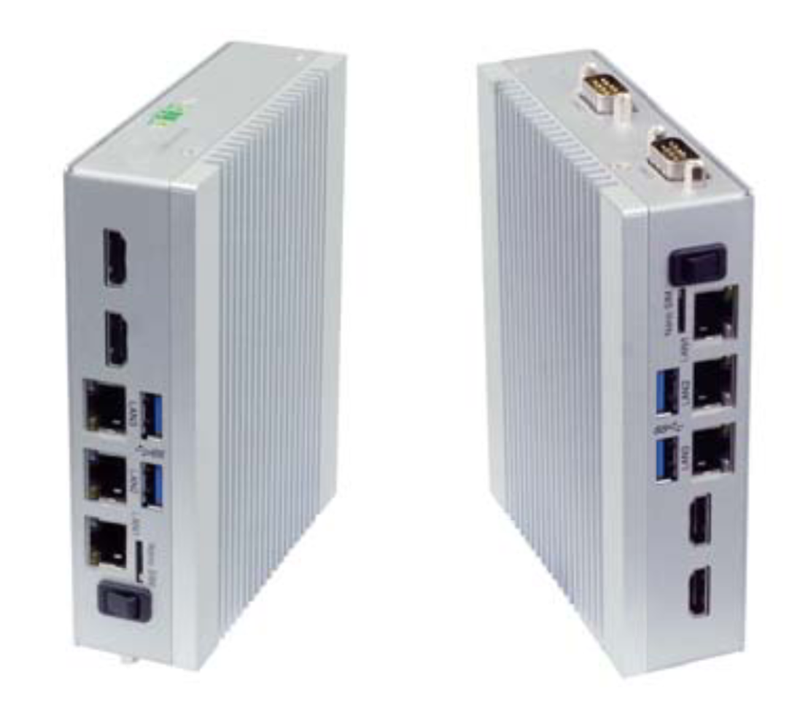
The openXEdge is an industrial PC that works right at the machine. It collects measurement data, stores it on the device and shows it in the browser — on every network port of the edge, without a connection to the internet. It runs unattended: if someone pulls a network cable or a peer goes down, the services reconnect on their own as soon as it is reachable again. It installs firmware updates by itself and returns to the previous state if an update fails.
How this handbook is organised
The page list on the left leads through the whole handbook, top to bottom:
- Tutorial — first commissioning step by step. If you are unpacking a new device, start with First Boot Walkthrough.
- How-to guides — single tasks in operation: updating the firmware, setting up network and firewall, managing users, reading the diagnosis.
- Reference — lists to look things up, such as all diagnosis codes.
- Explanation — background: how updates work, how the edge is wired, what it does for security and support.
The language switch at the top right keeps you on the same page.